I’m not a “keyboard guy.” I’m not into mechanical keyboards and LED lights and all that stuff. But I do like a good, ergonomic keyboard. For most of my life, I used the Microsoft Natural line of keyboards. Over the years in the mid-2000s, I would throw one in my NewEgg cart to make shipping minimums or whatever, so I built up a small stash that I kept in my closet and worked through as I broke the keyboards. They were disappointingly fragile, even a little spilled water would permanently knock keys out, and I was not a careful user.
But Microsoft stopped making those keyboards in the early 2010s and I knew my stash would run out. In the late 2010s, as I got down to my last two, one at home and the other at work, I decided to try finding a replacement. And at the time, I couldn’t! It wasn’t hard to find ultra fancy mechanical keyboards, often with experimental and split layouts. But that wasn’t what I was after, I wanted as close a replacement to the Microsoft keyboards as I could get.
I hung on to those last two keyboards for dear life, actually trying to take care of them. At some point I spilled some water on one of them and took out the F1 key. But who uses that? Finally, after probably five or more years of using those last two Microsoft keyboards, I found the replacement.
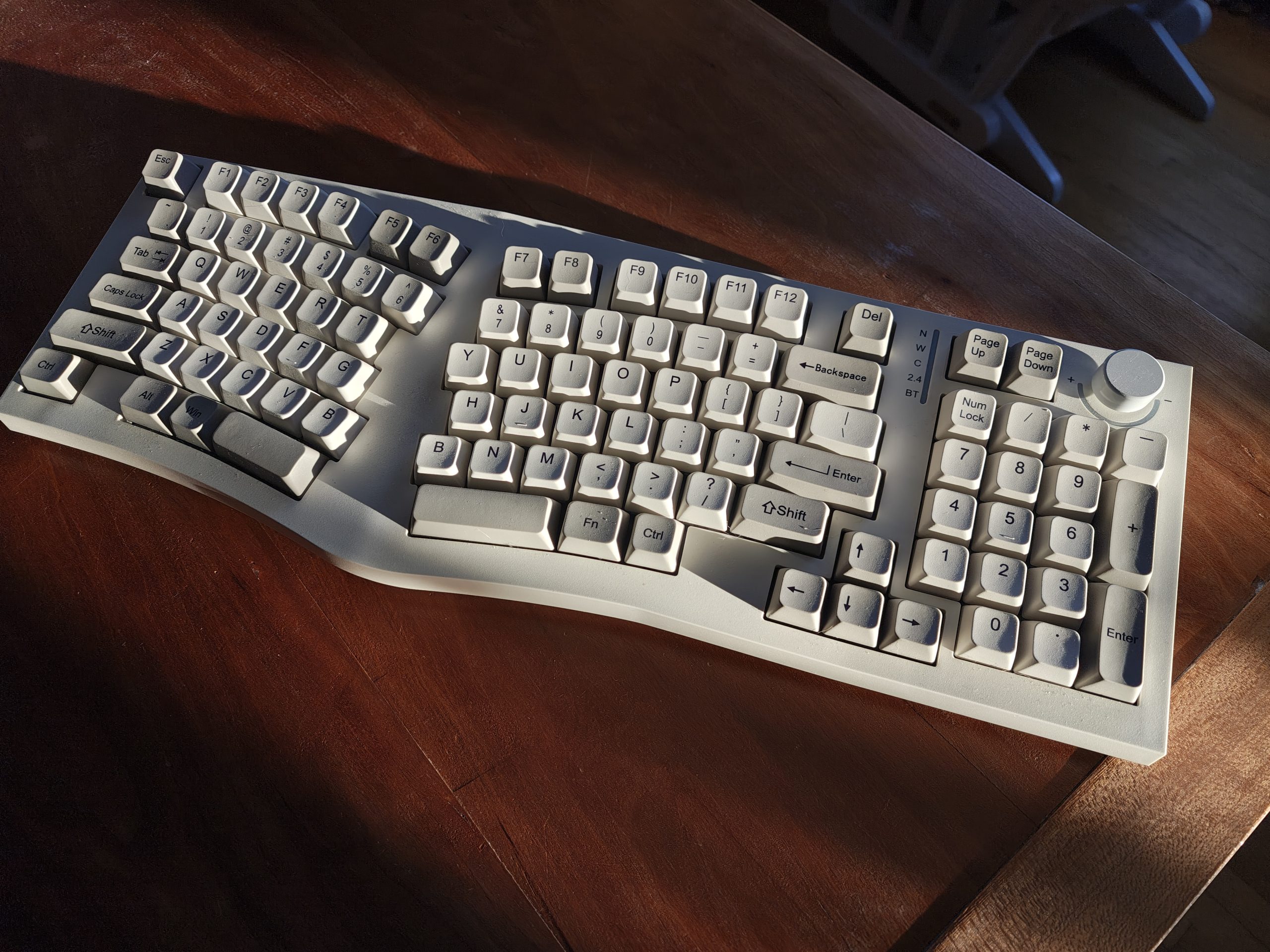
A coworker at my job just had one on his desk one day. I did a double-take. It looked almost exactly like the old Microsoft keyboards, but it definitely wasn’t. I picked it up (my coworker was not in the office that day) and looked underneath for more info on what the heck this thing is. It’s a “Feker Alice Ergonomic Keyboard,” huh? I ran back to my desk to look it up and there it is! Someone has finally remade the old Microsoft keyboard layout! With the numpad and everything!
I immediately ordered one to give it a try. It shipped direct from China(!) and arrived a week or two later. And it’s exactly what I wanted. A high quality keyboard, in the Microsoft Natural style, with a numpad and Function keys and everything. It’s even got, uh, two B keys for some reason. I only use the left one. Like I said, I’m not a keyboard guy, so I can’t really speak to any fine features. It type good. Me happy.
It does have a couple little downsides. It has no Home or End key, which is unfortunate. I use those quite a bit. They can be emulated in software, but it’s awkward and that emulation doesn’t work in every scenario. The Caps Lock and other indicator lights exist under this light diffuser, so it’s functionally impossible to tell which lights are on. About one in ten times, the keyboard will just not be connected when I turn the computer on and I have to re-plug it.
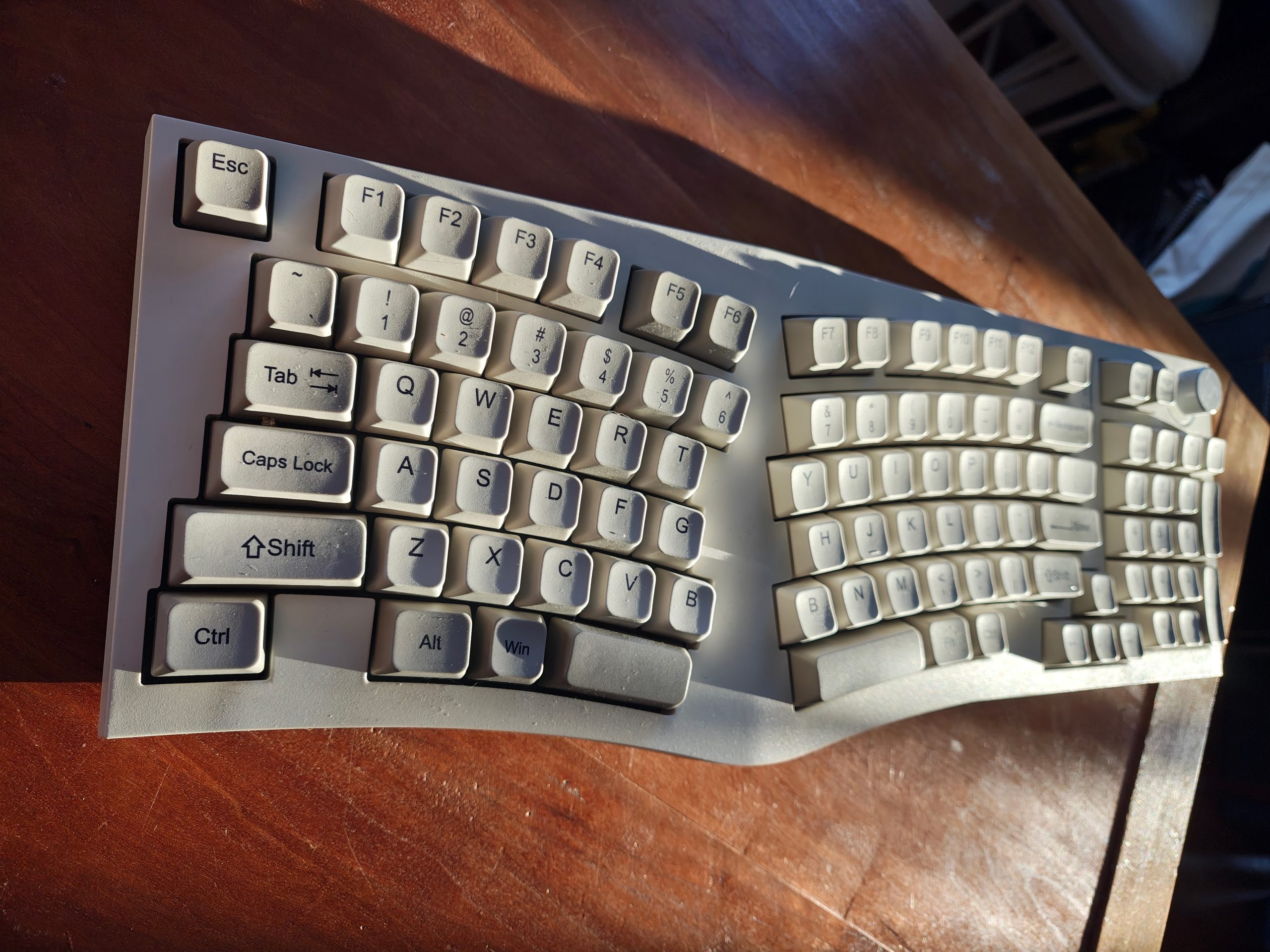
In the time since, I have found a few other keyboards that also mimic the Microsoft Natural shape. Apparently the layout in keyboard circles is referred to as “Alice,” for some reason, and started getting popular in 2018 or so. So searching for “alice layout keyboard” or similar does turn up some results. Keychron makes a number, as do Perixx, Ajazz, and several others. A company called InCase has even purchased the rights to Microsoft’s original keyboard and started remanufacturing it, although it’s very frequently out of stock.
I’m very glad this style of keyboard is coming back around and we have several good options now!